

0
1
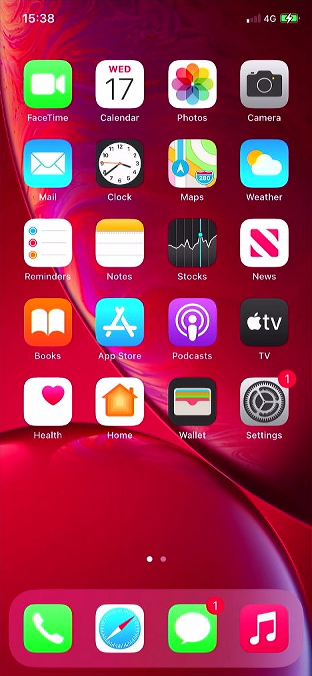
Open Settings
Tap the ‘Settings’ icon to open the settings menu.
0
2
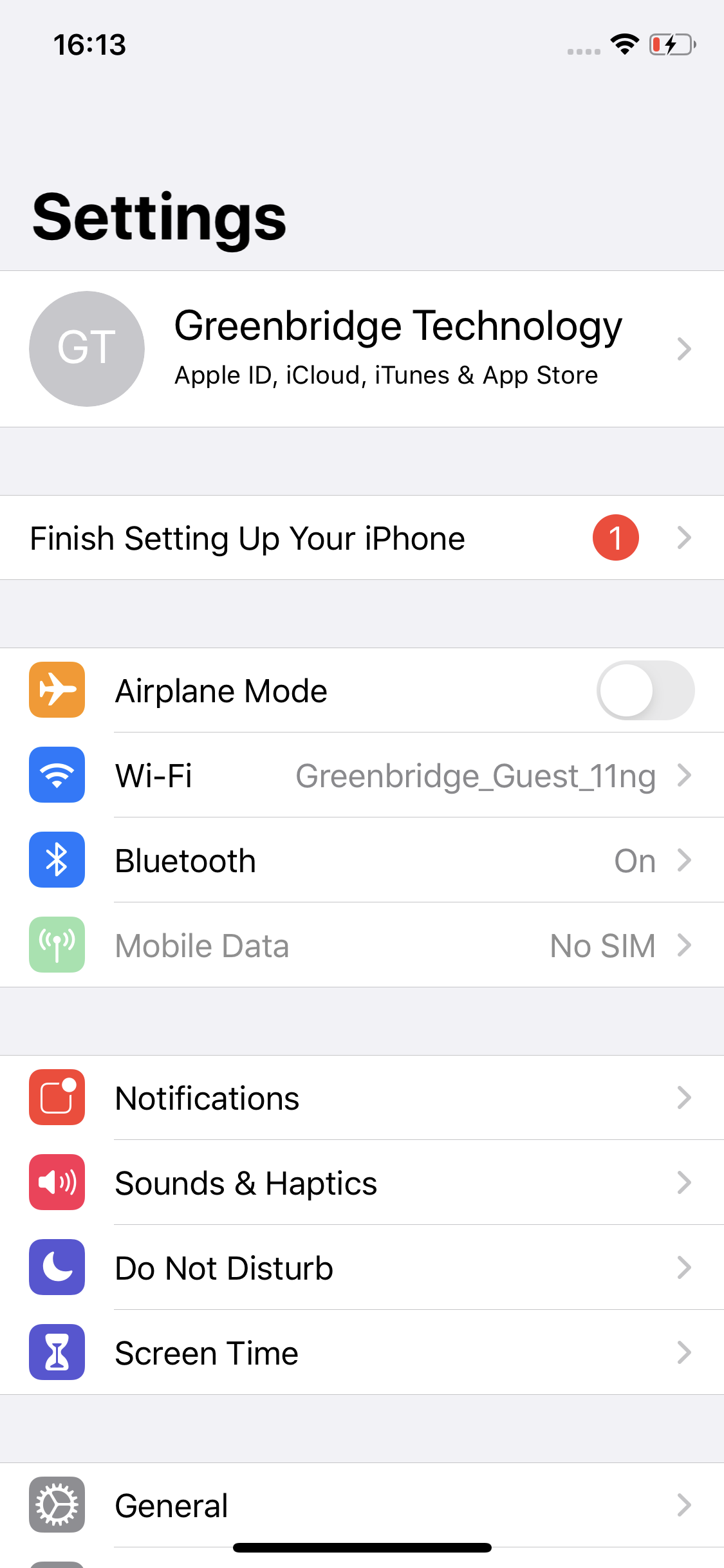
Open General Settings
Tap ‘General’ to open device settings.
0
3
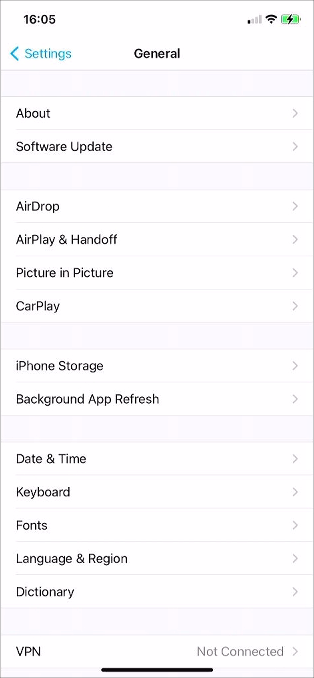
Scroll To Bottom
Scroll down to the bottom of the list.
0
4
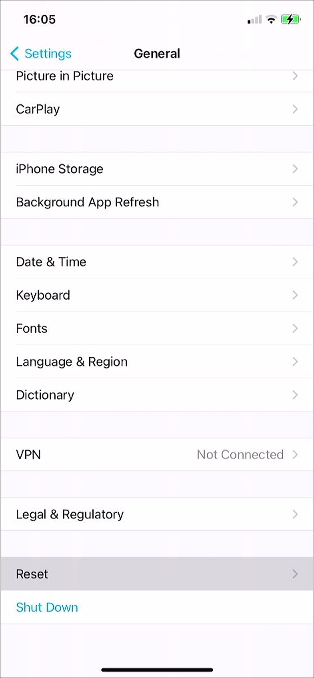
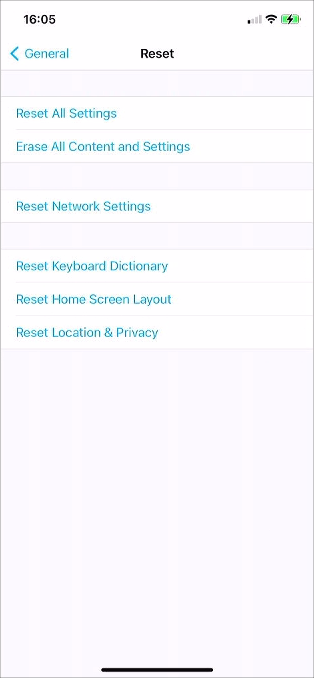
Select Reset
Tap ‘Reset’ to open the reset options.
0
5
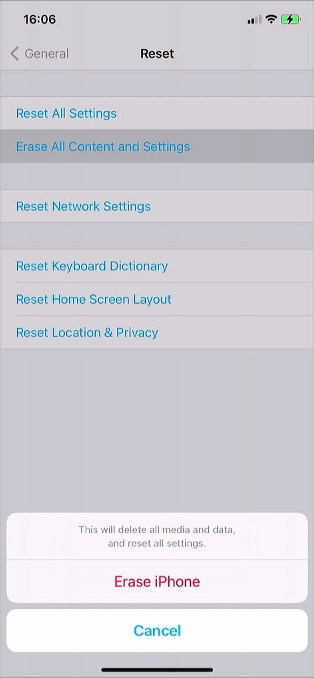
Select Erase All Content and Settings
Select ‘Erase All Content and Settings’, this option will remove all data on your phone and set it to factory condition.
0
6
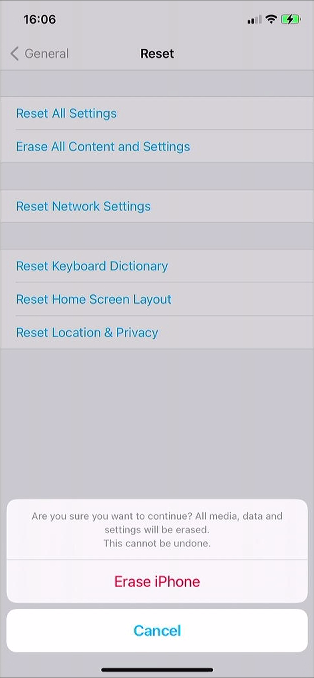
Confirm Erase
Tap ‘Erase iPhone’ or ‘Erase iPad’.
0
7
Device will Restart
Tap ‘Erase iPhone’ or ‘Erase iPad’ again to confirm the reset.
0
8
Remove Accessories
The device will start to erase and will restart. Remove all accessories and SIM cards if the device is being sent for repair.