

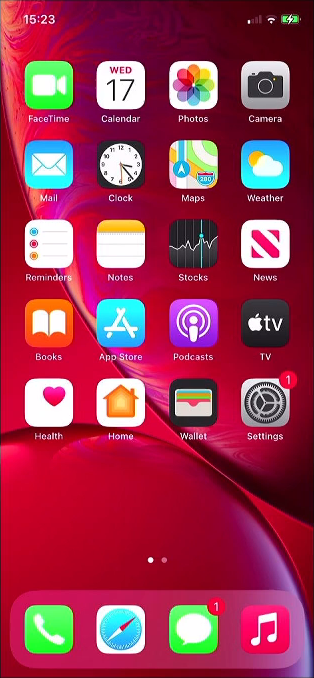
Click on the settings icon. This is the grey “cogs” icon, shown here in the lower right corner, it may be in a different place on your device.
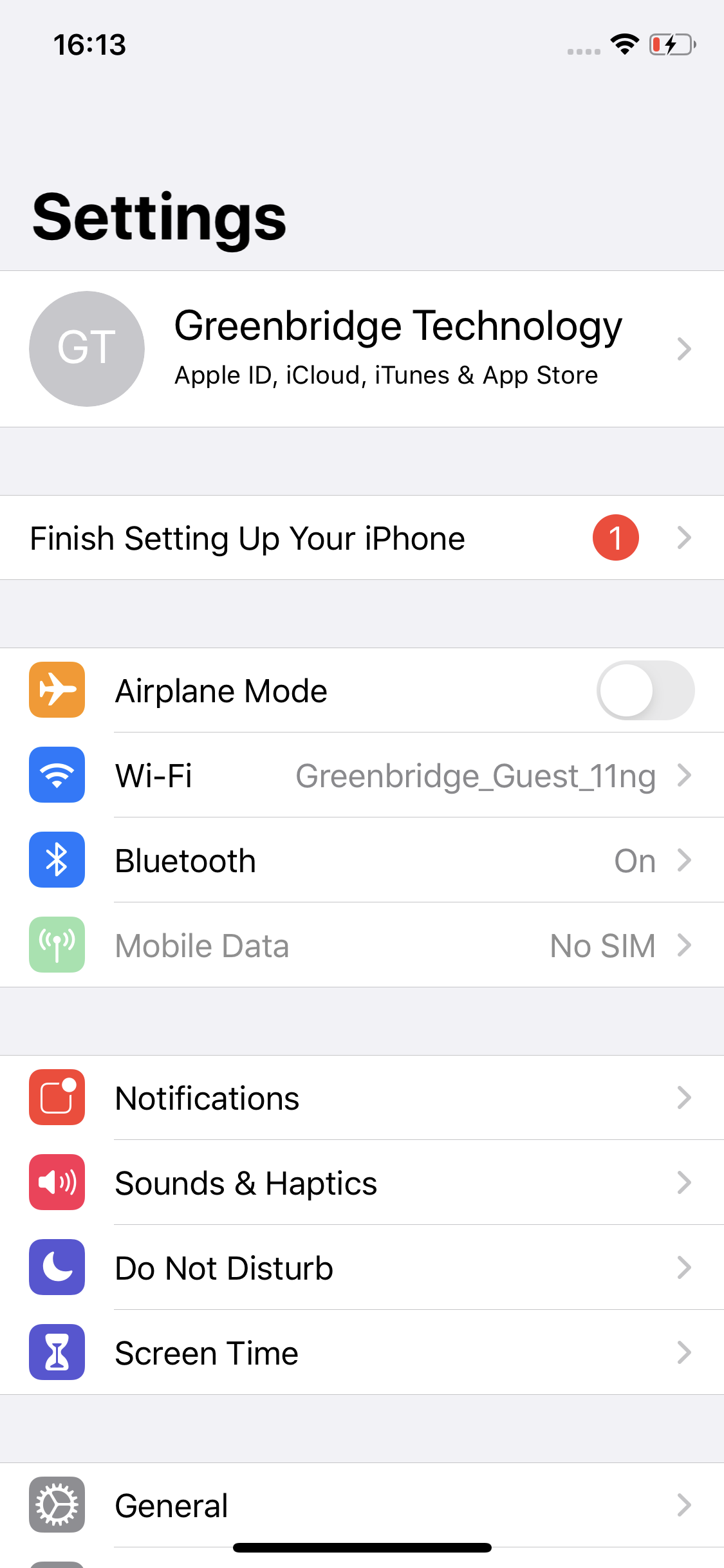
Tap the top option, this normally is your name or the name on your Apple account.
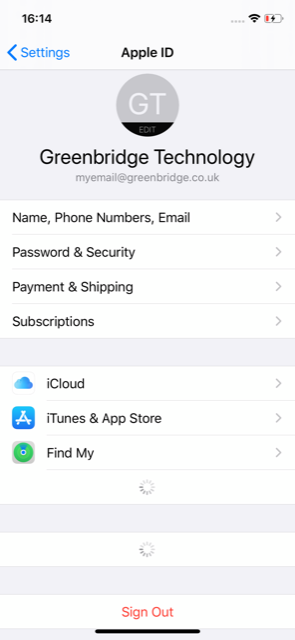
Tap on, ‘iCloud’ to open the related settings.
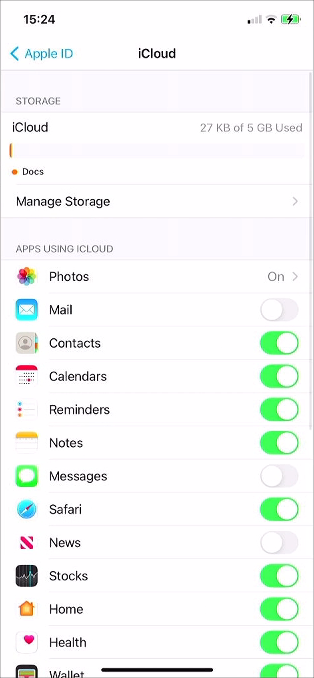
Scroll down in the list to find the option ‘iCloud Backup’.
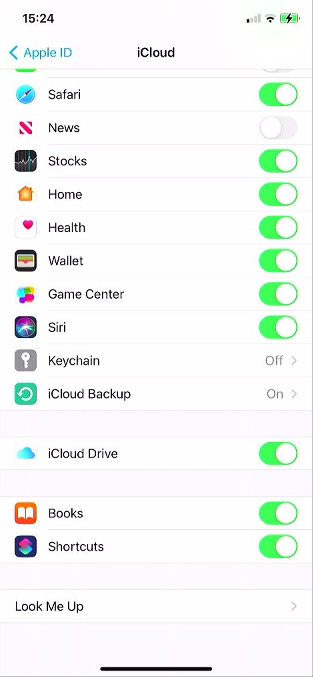
Tap ‘iCloud Backup’ to open the settings.
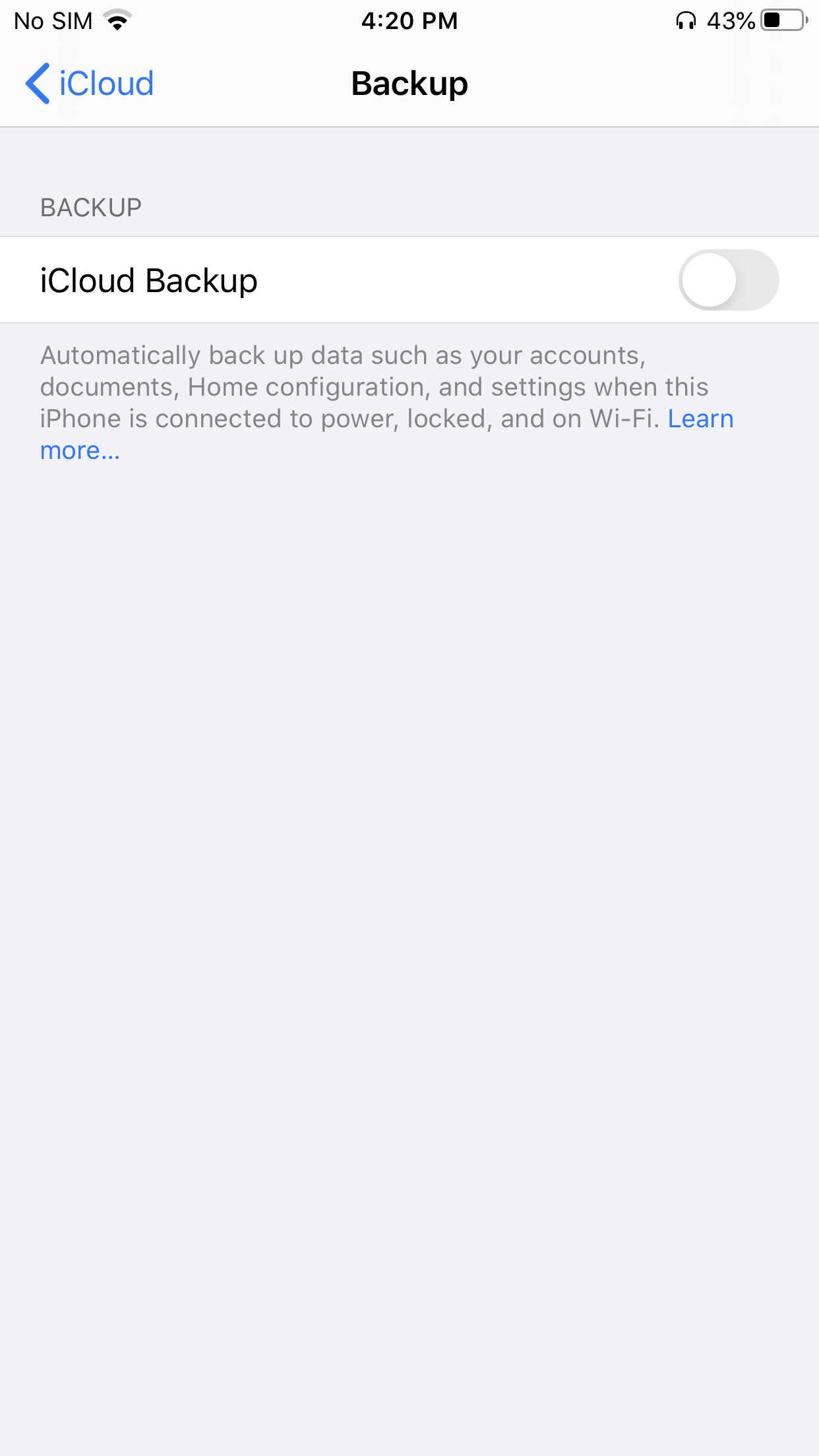
If iCloud Backup is disabled on the device, tap on the toggle button to enable it.
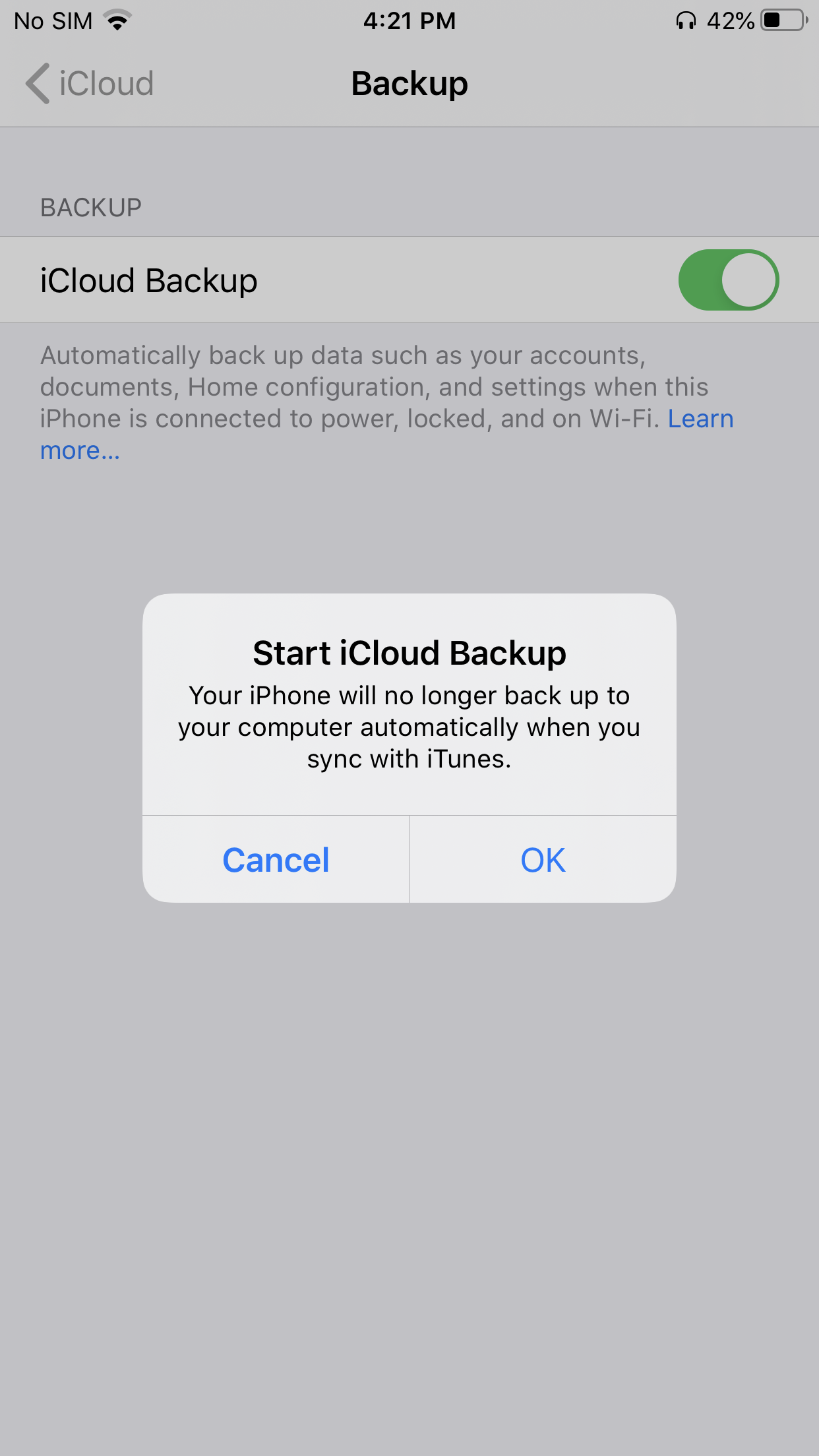
To confirm enabling of iCloud backup tap, ‘OK’.
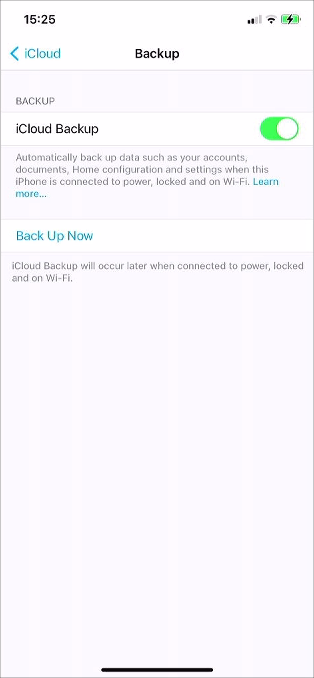
To begin backing up the device tap, ‘Back Up Now’.
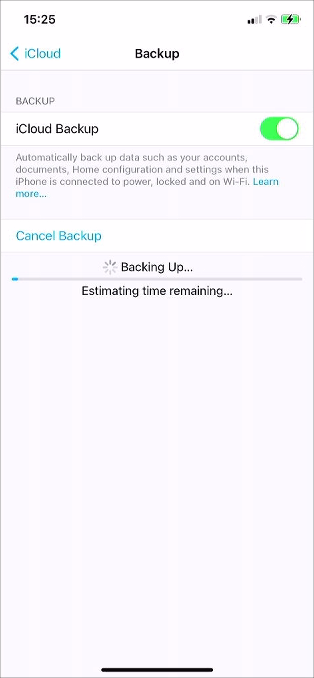
Before turning off the device wait for the backup to complete.
iCloud Removal In order for us to be able to fully diagnose and test your device, we require you to sign out of the iCloud account on your device. When you receive your device back you are able to sign in to iCloud again.