
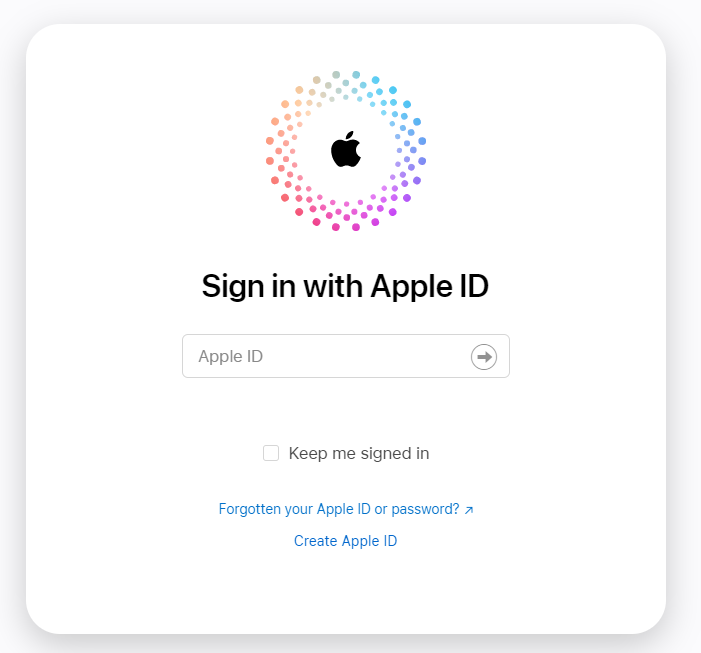
Go to iCloud.com and login with your Apple ID and password. If you do not know this, please contact Apple for support.
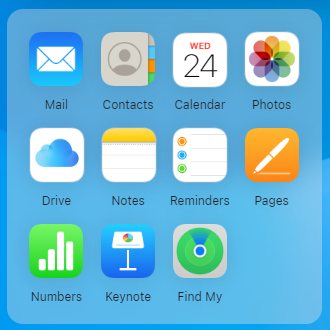
Find the green circular radar icon which says “Find My”, it will say iPhone even if you have an iPad.
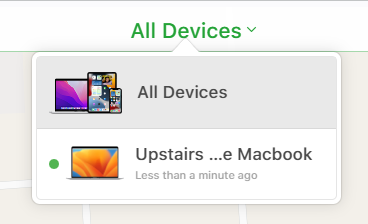
Once loaded, click on the “All Devices” dropdown. This will show all devices connected to your iCloud account, this may be one or many. Click on the device you wish to remove.
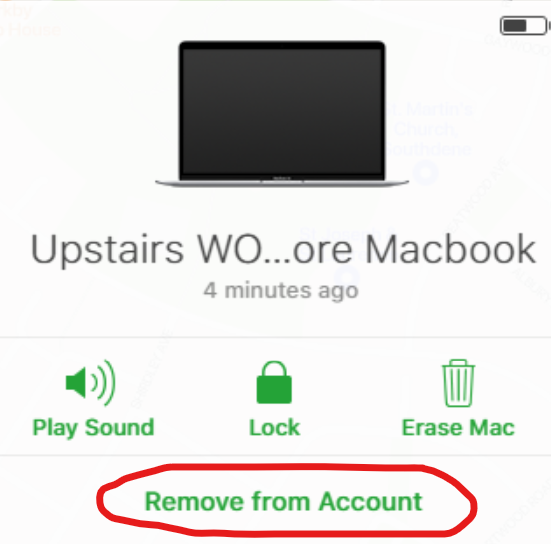
Once you have clicked on the device, you will see the specific device on the left-hand side of the page. Click remove from account.
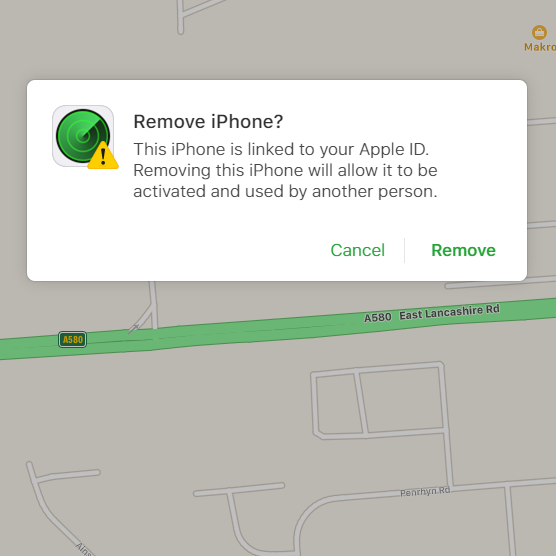
When the box pops up, click on “Remove”. Once loaded your iCloud has been removed from the device.
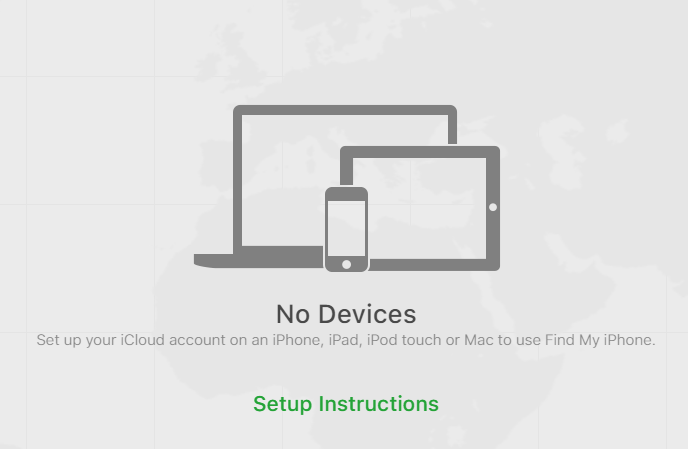
When the box pops up, click onOnce the device has been successfully removed from the account It will no longer be listed as a device on the account and if there are no other devices of the account you will see no devices listed. “Remove”. Once loaded your iCloud has been removed from the device.
Why do I need to remove my iCloud account? In order for us to be able to fully diagnose and test your device, we require you to sign out of the iCloud account on your device. When you receive your device back you are able to sign in to iCloud again.