

0
1
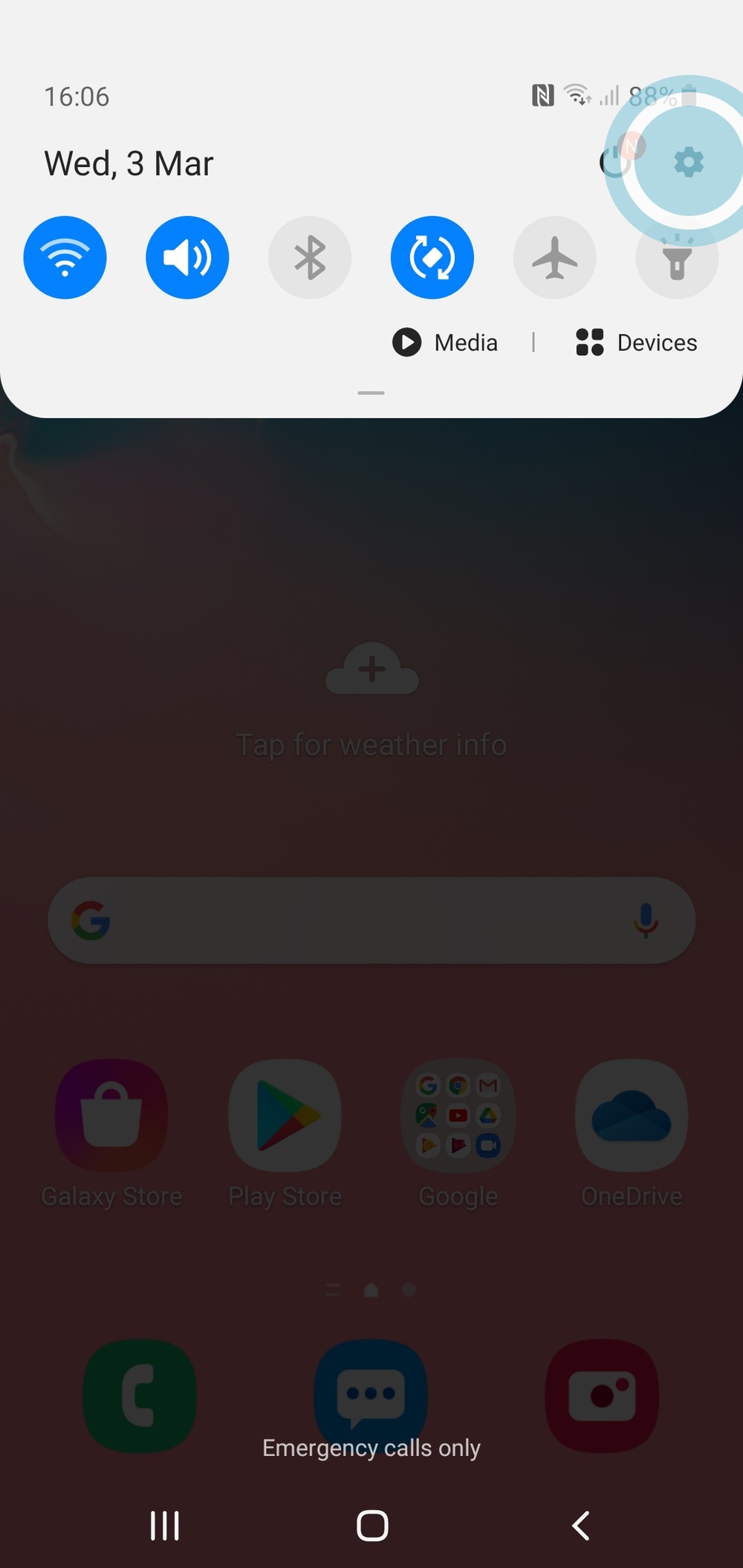
To begin, from the home screen, drag down from the top of the screen to open the notification page.

0
2
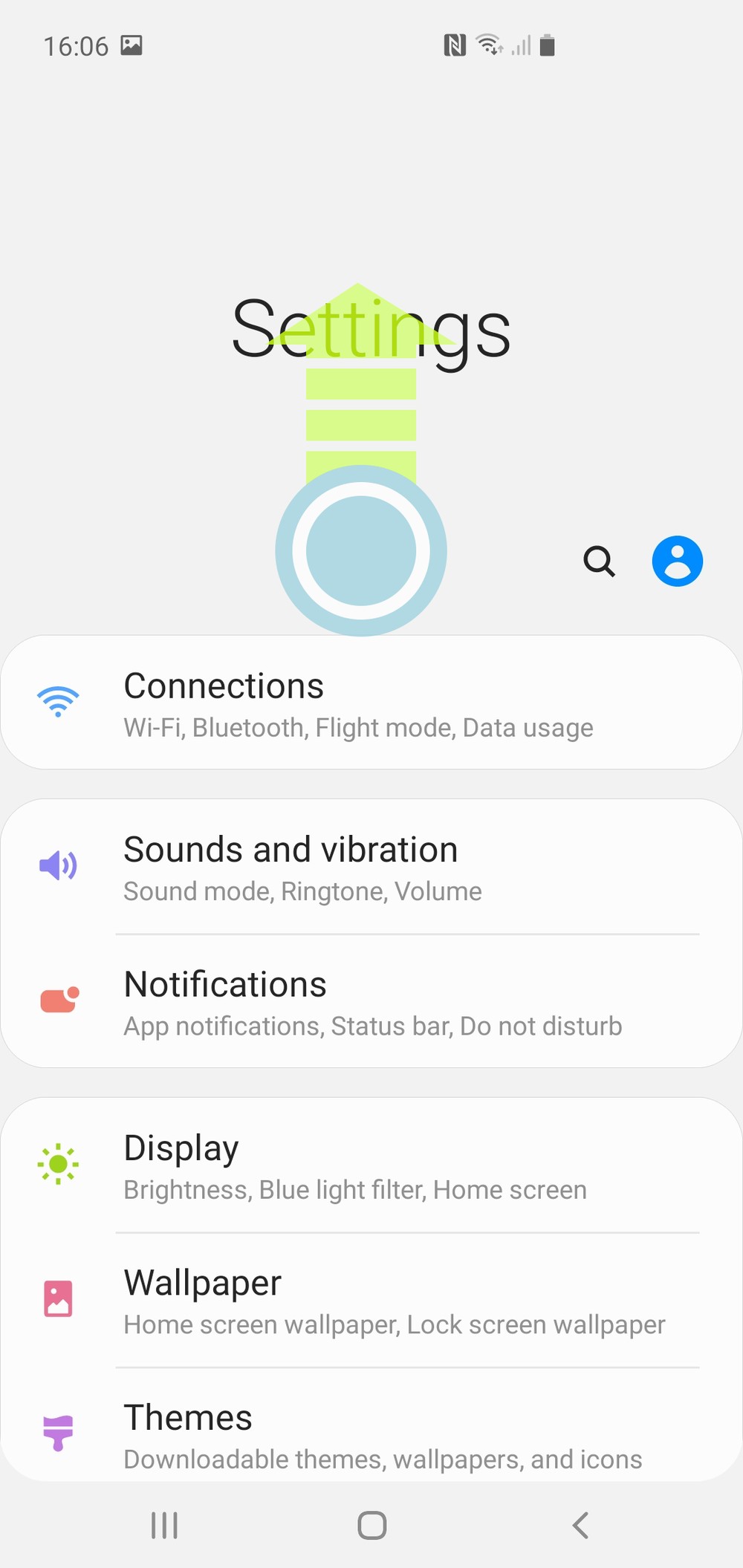
Tap the ‘gear’ icon in the top right corner of the screen. This will open the settings menu.
0
3
Scroll down
0
4
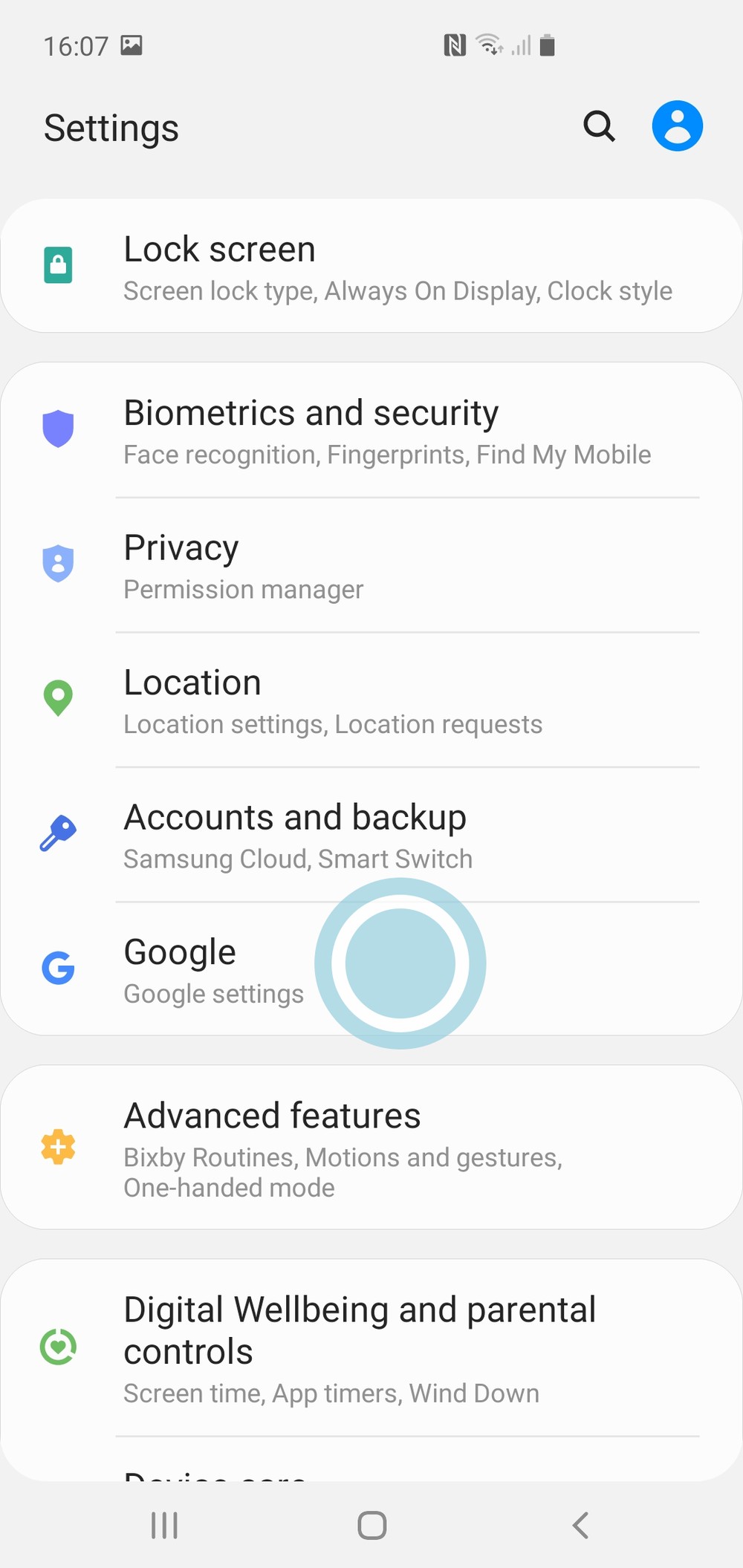
Tap on ‘Google’ to open the account settings.
0
5
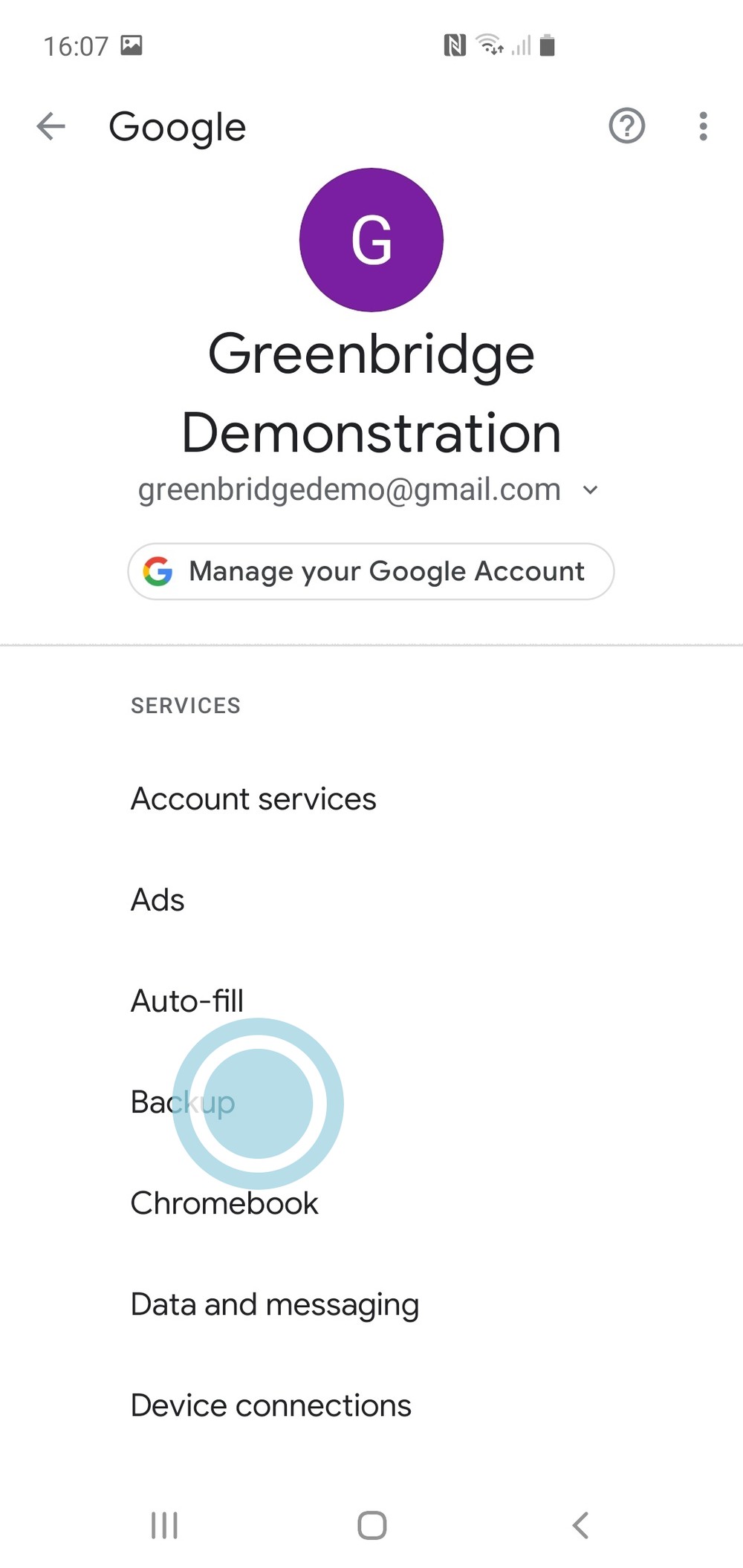
Tap the ‘backup’ option.
0
6
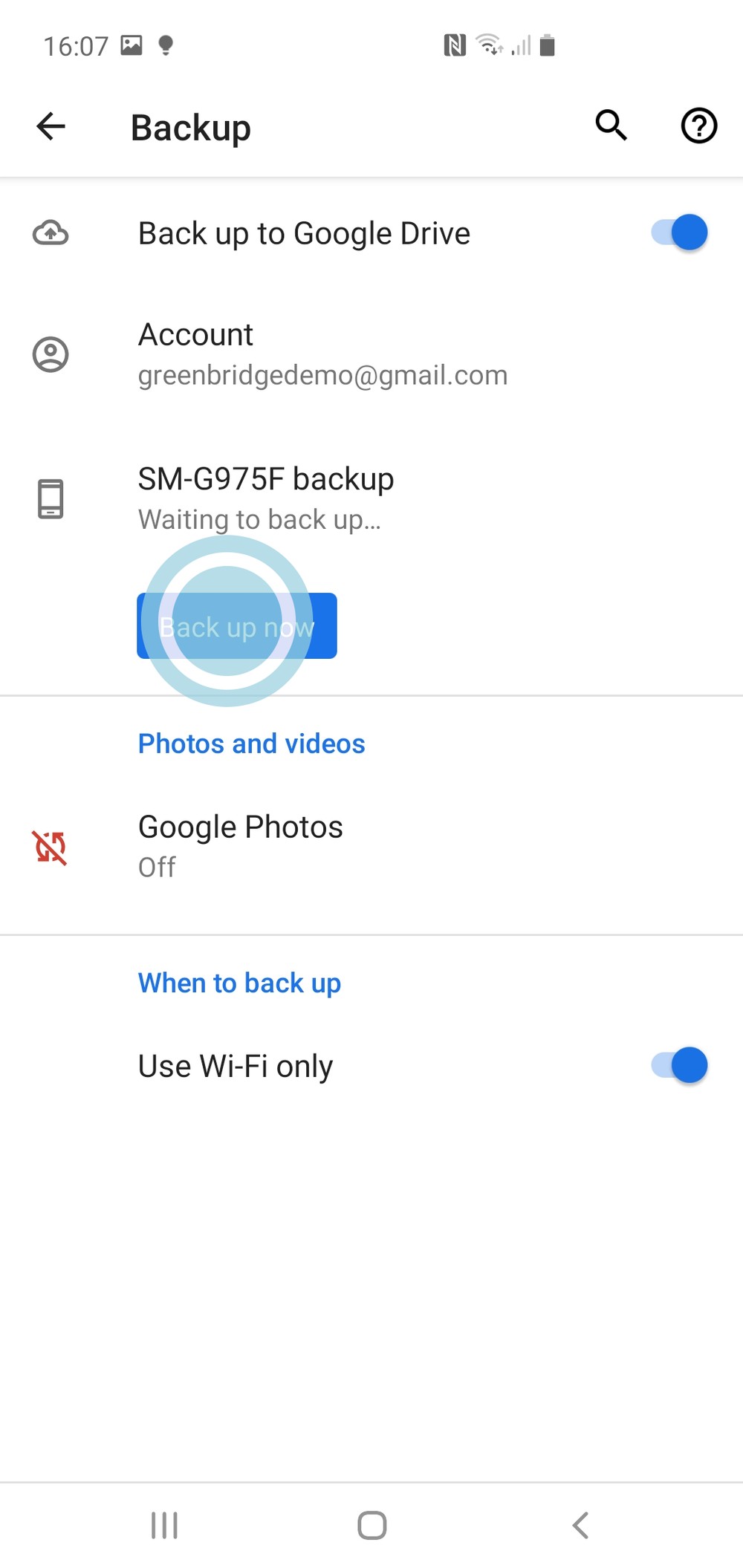
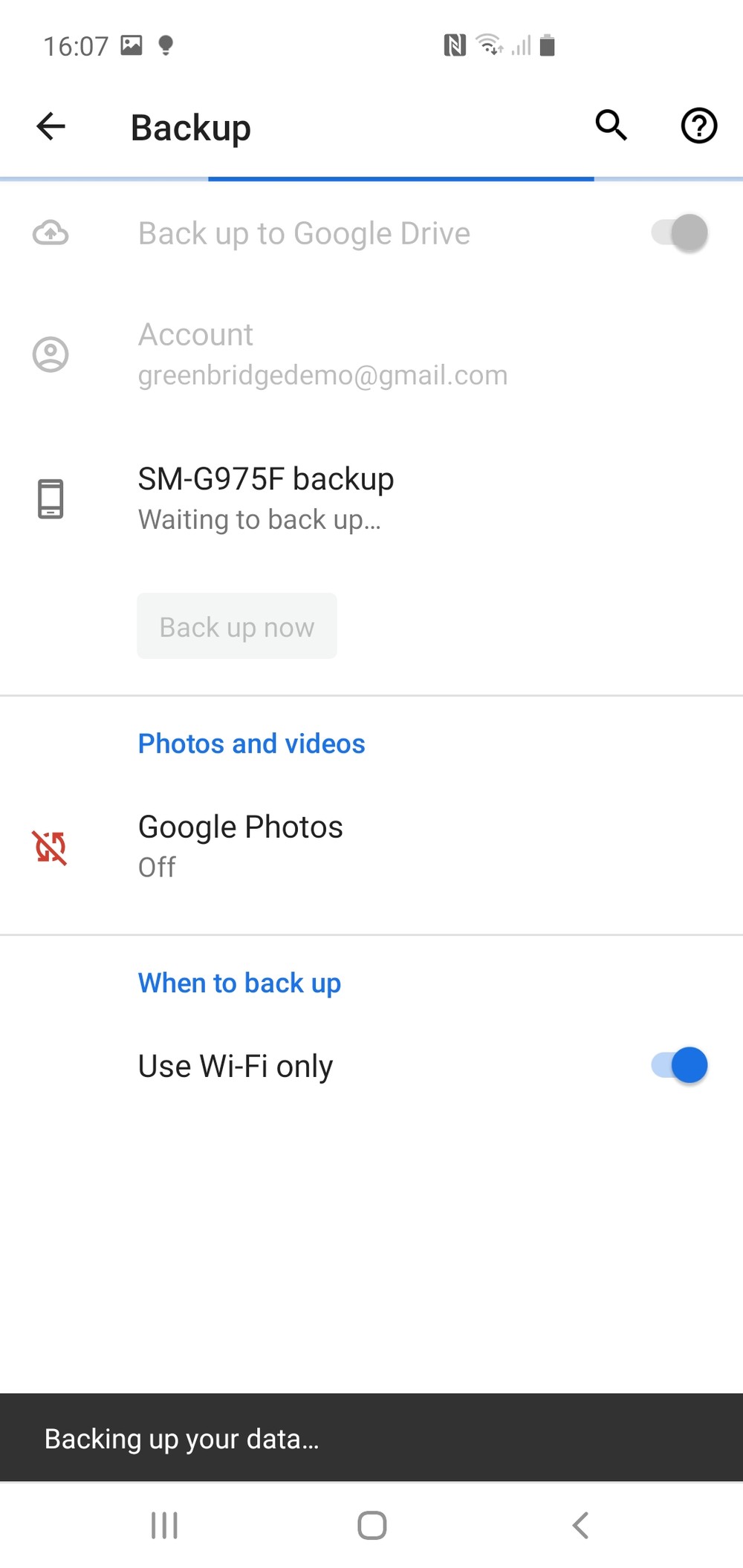
Tap ‘backup now’, this will begin backing up your device to your google account
0
7
If you have not backed up your device before it may take some time depending on your internet connection speed and storage size of the device.
0
8
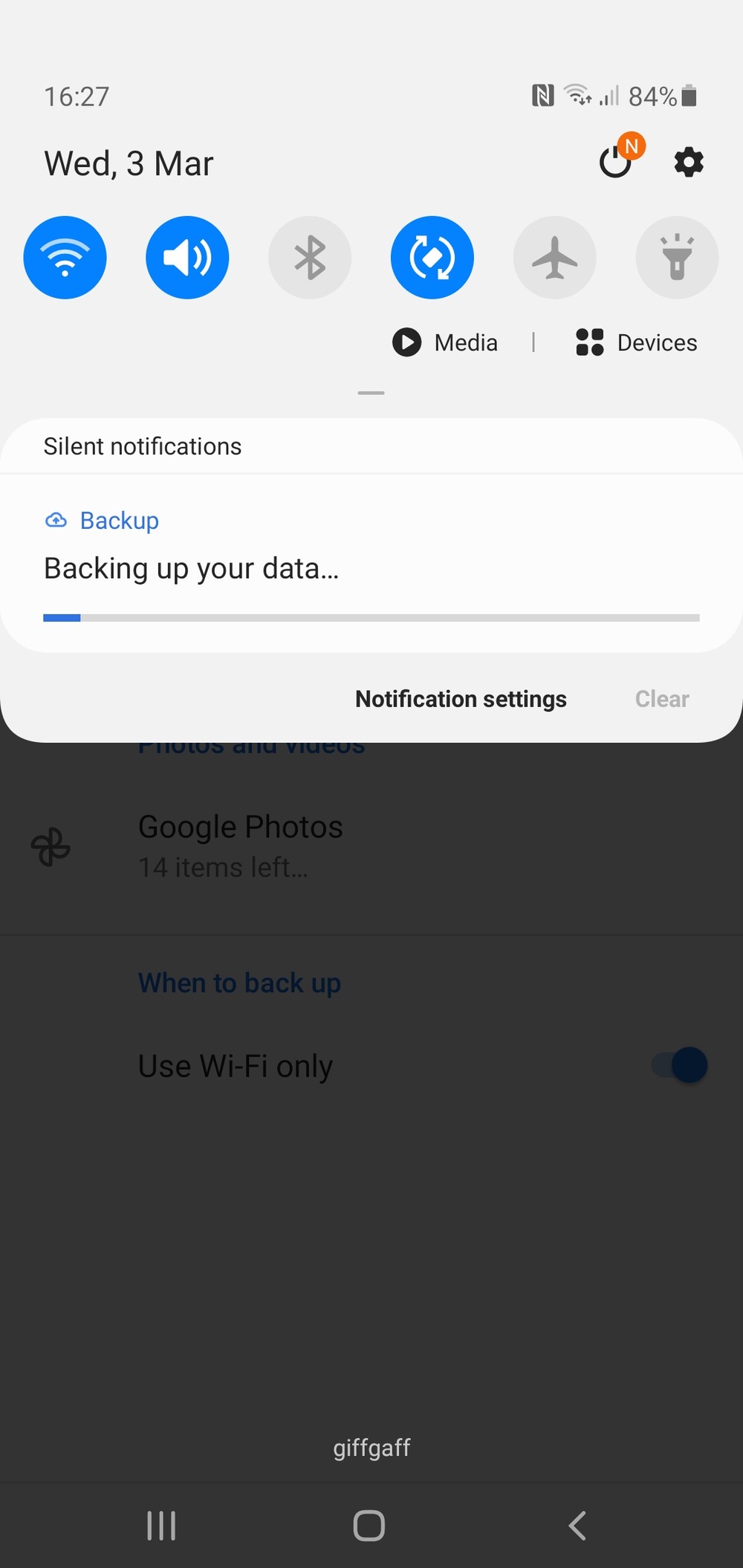
By dragging down the notification bar as in step 1, it is possible to view the progress of the backup. During the backup the device can still be used.